You've just switched to Payroll and imported your historical payroll runs from your previous payroll system. But a new salary review applies retroactively, and some of the periods fall before the switch. Until now, history transactions and locked salary rows haven't been included in the calculation of retroactive salary. That has meant calculating the retro pay by hand, or holding off on switching to Payroll until all retro calculations were complete.
Now you decide for yourself whether to include them.
Two new options when you calculate retroactive salary
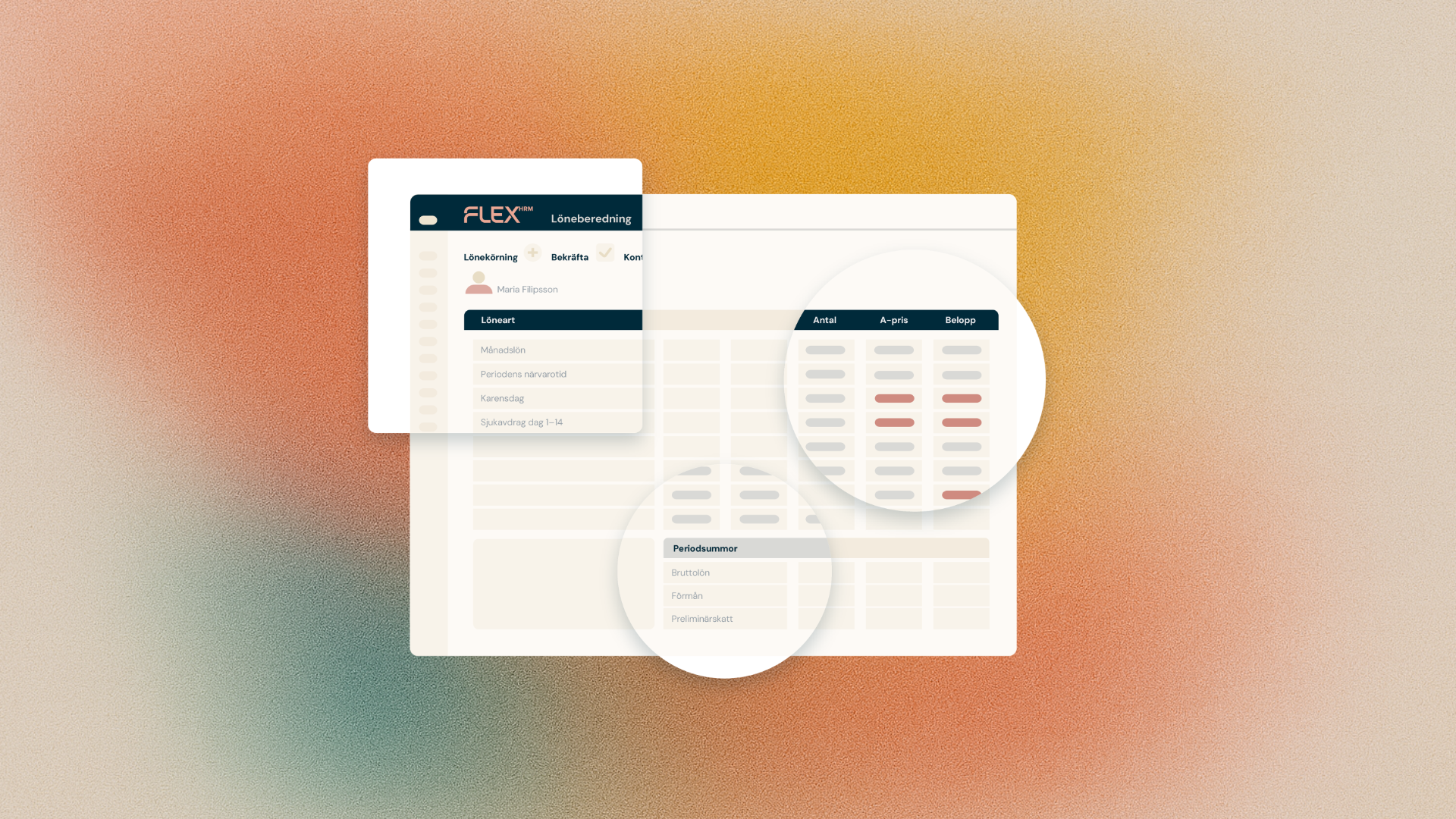
When you start the calculation of retroactive salary, there are now two new options:
- Calculate retroactive salary also on history transactions
- Calculate retroactive salary even on locked salary rows
If you select one or both options, those transactions are included in the calculation. The options are not selected by default, so if you don't make an active choice, the calculation works exactly as before.
Take extra care reviewing the basis
History transactions were calculated in a different payroll system, which may have had a different set of, for example, pay codes and formulas than the one you have in Payroll today. That's why it's a good idea to review the basis for the retro pay a little more carefully when you include history or locked salary rows. It takes some time, but considerably less than doing the entire calculation manually.
Switch to Payroll when it suits you
With the new options, an ongoing salary review no longer has to determine when you switch to Payroll. You can move over at the pace that suits your organization, and still let the system calculate the retroactive salary, even for periods before the switch.
The feature is available in Payroll today.