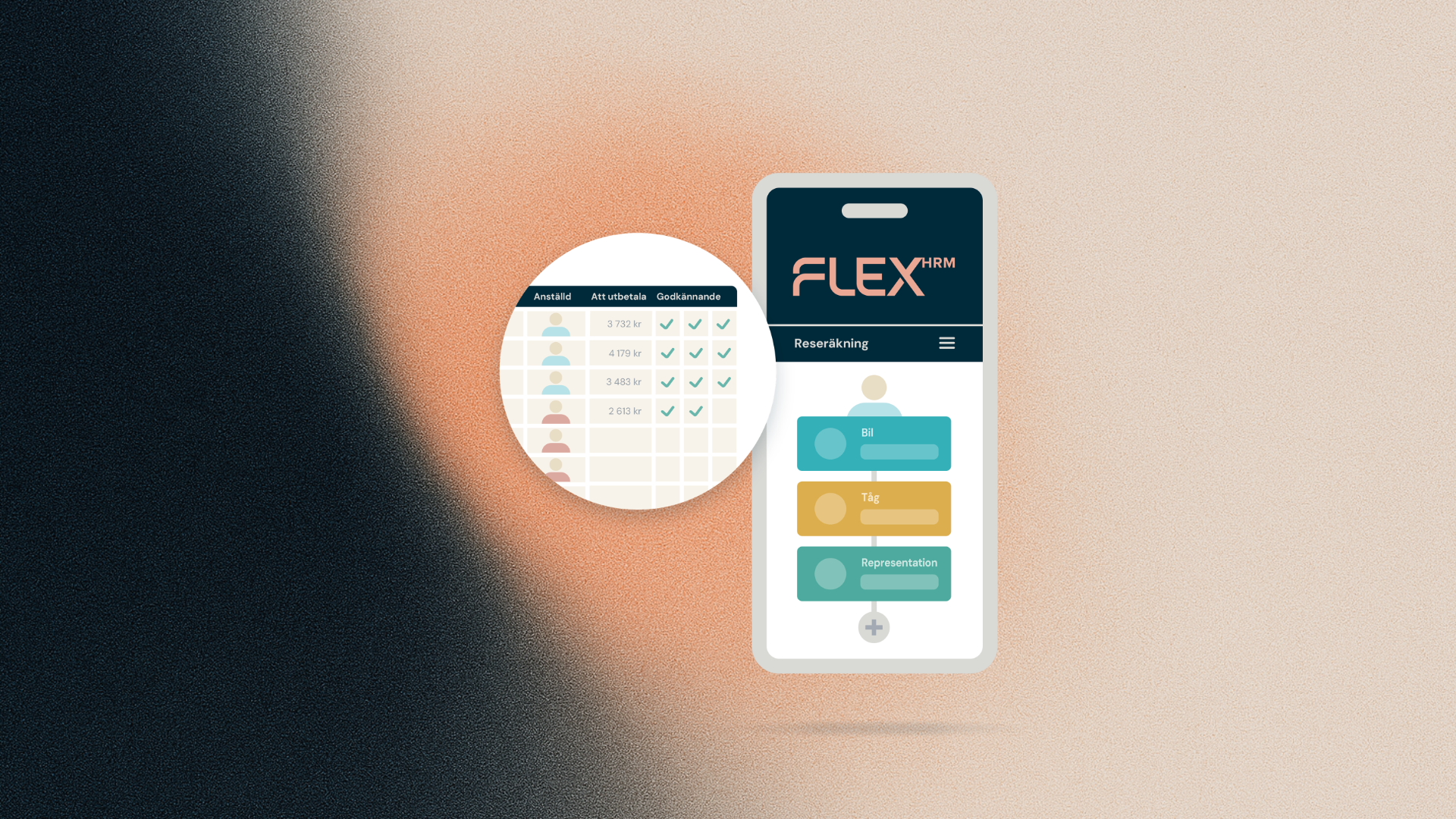
Registering expenses in the new mobile app is now faster and easier. When you add a receipt, the AI analyzes the content – supplier, purchase lines, and amount – and immediately suggests the expense codes most likely to be correct. Previously you got a single suggestion – now you can get several, depending on how confident the AI is that the code is right. You no longer need to scroll through the entire code register to find the code you're looking for.
How it works
Once the receipt has been read, the AI analyzes the content – supplier, purchase lines, and amount – and matches it against the code register. If the AI is very confident that one code is correct, and the remaining options have a low probability, the "Expense type" field is filled in directly with that code, marked with a star icon – no unnecessary selection menu in the way.
If instead there's a code with high probability and a few others with medium or low probability – for example when choosing between different types of internal entertainment, or between domestic and international accommodation – the app shows a list of up to five suggestions ranked by likelihood. The app then asks: "What type of expense is the receipt for?" and you get a few clear options to choose from directly in the view – for example "External entertainment, light meal max SEK 60" and "External entertainment, food only" if the receipt looks like it's from a restaurant. You select the right option with a single tap.
If the AI is uncertain about all the options, the suggestions are shown with nothing preselected, so you actively choose the right code yourself.
The full code register is always available
If none of the suggestions fit your situation, you can always tap "Choose from other expense types" to open the full code register and search freely, as before.
What this means for you
You no longer need to search for the right expense code among dozens of options, and can trust that the app has already done the groundwork for you based on what's actually on the receipt. This makes expense registration faster and reduces the risk of choosing the wrong code – especially for less common codes such as internal entertainment or accommodation abroad.