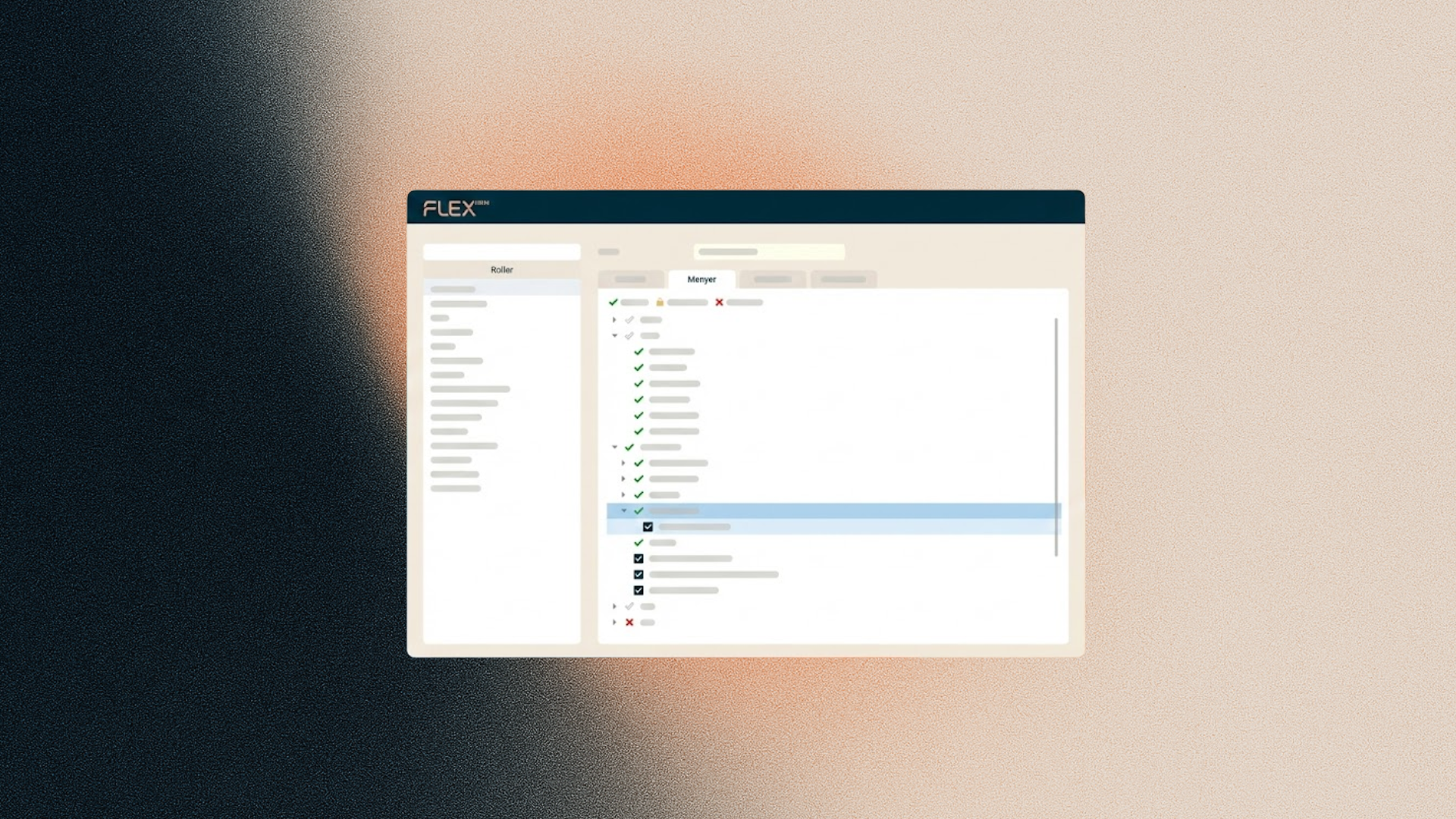
Managing roles and permissions is a key part of your daily work as a system administrator. To make this process more efficient and user-friendly, we are now launching some small but clever requested improvements to the menu tree under Roles.
At Flex HRM, we strive to solve your challenges with smart, time-saving features. This update focuses on making navigation in the permissions view faster and more intuitive, allowing you to focus on high-value tasks.
Find what you need instantly with the search function
The Menu tab in Roles now features a search field, allowing you to quickly find specific nodes. To help you see the context of each item, the search is automatically cleared as soon as you click a node in the tree. This ensures you can immediately see where the node is located and which surrounding options are activated.
Context menu and multi-select for faster workflows
We have also introduced tools to reduce unnecessary clicks:
-
Right-click context menu: By right-clicking a node, you can now open a context menu to set permission levels directly. This removes the need to navigate through side panels for simple adjustments.
-
Select multiple nodes: You can now select several nodes at once by holding down the CTRL key while clicking. This is a significant time-saver when you need to update permissions for a group of functions simultaneously.
Improved clicking precision
Finally, we have made it easier to hit the mark. The hitbox for all checkboxes has been enlarged. This means you no longer have to click exactly inside the small box to toggle it, leading to a much smoother user experience.