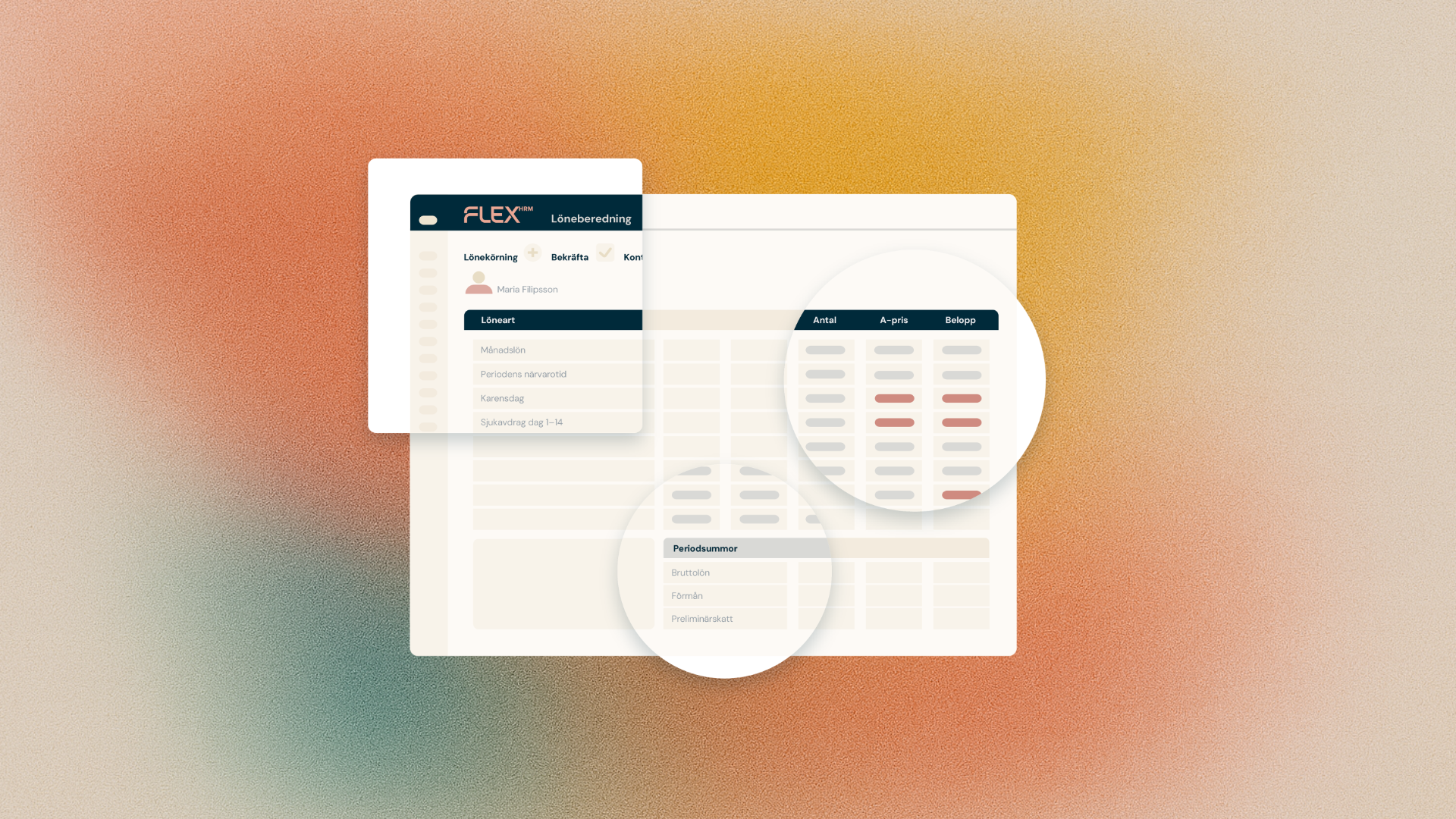
You can now automate payroll transfers from Flex HRM Travel & Expense via API. This means you no longer need to log in to the web interface to manually start each transfer – instead, you trigger the entire flow directly from your external system.
From manual to automated
Previously, as an administrator or integrator, you needed to log in to Flex HRM and manually start payroll transfers from the Travel module. In automated workflows, this created unnecessary intermediate steps and bottlenecks.
API support is now available for creating, retrieving and reversing payroll transfers in Flex HRM Travel & Expense. If you already use the corresponding API for Flex HRM Time, you will recognise the structure – the new API for Travel follows the same pattern.
Create a payroll transfer
You start a payroll transfer by sending a POST request to /api/travel/salaryTransfer. The system queues a background job and respects your existing settings for payroll connection, such as file name and whether the file should be saved. The transfer then appears in the Payroll transfers view in the interface.
Retrieve a payroll transfer
You can follow up on status and retrieve data for payroll transfers in two ways:
- Retrieve a specific transfer by its ID:
GET /api/travel/salaryTransfer/{id} - Retrieve all transfers for a company:
GET /api/company/{companyId}/travel/salaryTransfer
The response contains information about the transfer, including status and date selection.
Reverse a payroll transfer
If a transfer is incorrect, you can reverse it by calling POST /api/travel/rollbackSalaryTransfer. The system then starts a background job that reverses the transactions. Note that you can only reverse transfers that have not been locked. It is currently not possible to perform a re-transfer via API.
Retrieve payroll specification
There is also a new endpoint for retrieving detailed payroll specification: GET /api/travel/salaryBasis. With this, you can retrieve information per employee and pay code, including account codes, directly via API. This makes it possible to populate external systems with correct data, for example in a Paxml structure.
The response contains, among other things, employee number, national identification number, pay code, quantity, unit price, amount, account distribution, transaction date and reference number (travel expense claim number or trip log settlement number).
Good to know
The API uses standardised error codes. If, for example, a payment date is missing or an employee number is not found, you receive a clear error message. All endpoints require the same authorisation level as other API endpoints in Flex HRM.
You can find complete technical documentation with parameters, response structures and example calls in the API help.