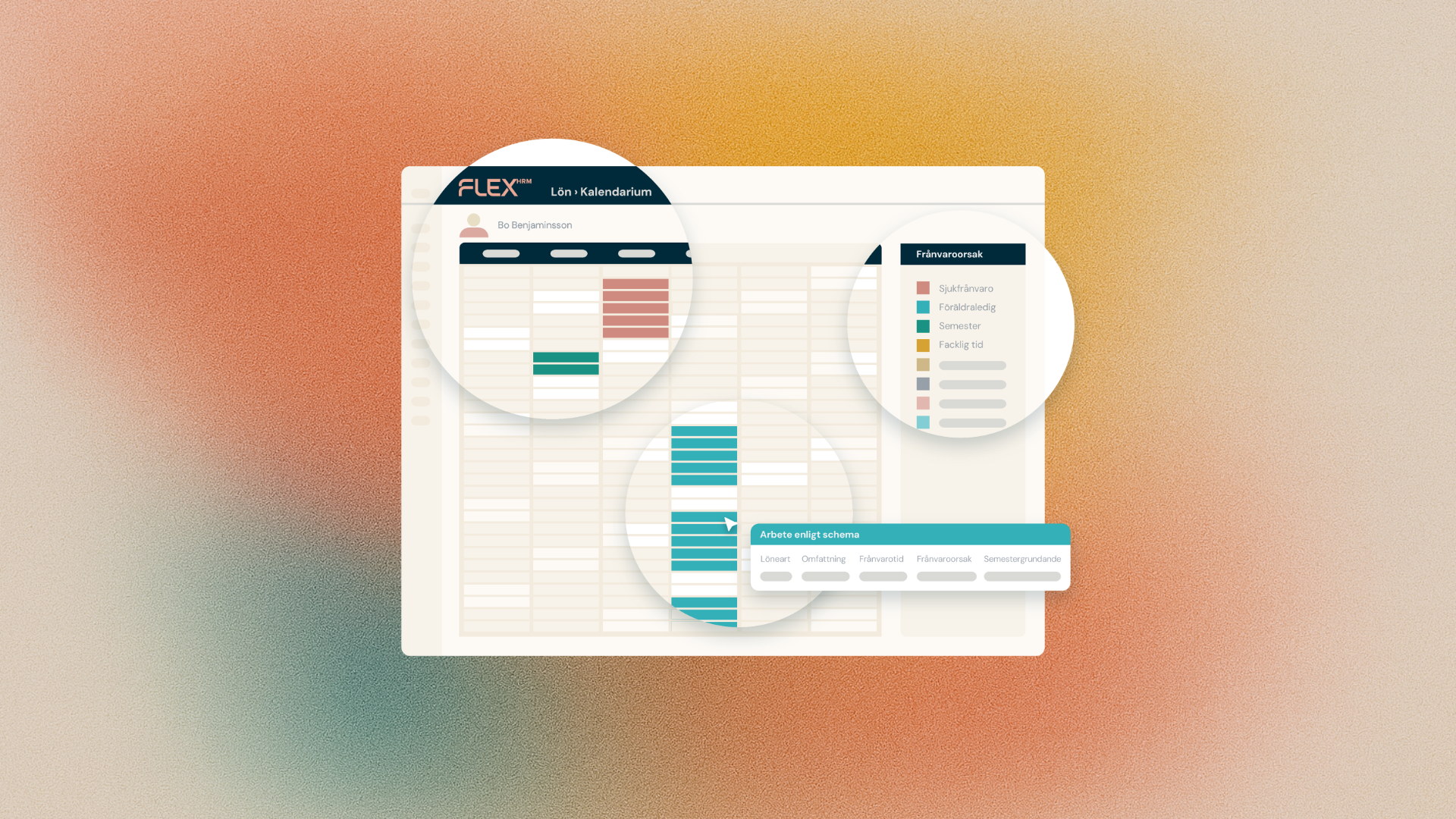
We know that many of our customers operate in industries where working hours vary greatly from day to day. To ensure fair and accurate vacation management for these businesses, we are now launching a long-awaited update in Flex HRM. Now it will be easier to manage vacation withdrawals based on hours, while giving you greater freedom in how balances are presented to your employees.
Calculation of holiday entitlement via hours
For employees with irregular shifts, it can be misleading to count a withdrawal as a full day, whether the shift is 4 or 12 hours long. With the new setting Calculation by hours (which you can find under the heading Management of withdrawals in salary on the holiday contract), the system automatically calculates how many days of holiday are used up based on the actual length of the shift.
The calculation is done according to the formula: Days taken = Hours taken / (Actual working time / 5)
This means that the system handles the conversion for you, reducing the risk of errors and ensuring that holidays are used proportionally to working time.
Clearer balances on the payslip
We're also introducing the Show balances as setting. You can now choose whether to show employees' holiday balances as:
- Gross days (default)
- Net days
- Hours
By choosing the option that best reflects your business, you make it easier for the employee to understand how much leave they actually have left. On the payslip, this is clarified through headings such as Holiday (hours) or Holiday (net).
For you as a payroll specialist, this also means increased clarity in both the payroll preparation and the employee register, where you can switch between seeing gross days and the selected display type.
Smoother sync between Payroll and Time
To create a seamless flow, we have also updated the export between the modules. You can now export vacation balances as hours directly from Flex HRM Payroll to Flex HRM Time.
- Where do I make the setting? Go to Settings -> Payroll -> Payroll runs, Balance export tab.
- How is the unit controlled? It is the settings on the balance itself under Settings -> Time and Staffing -> Balances - Define balances that control whether the export is done as gross days, net days or hours.