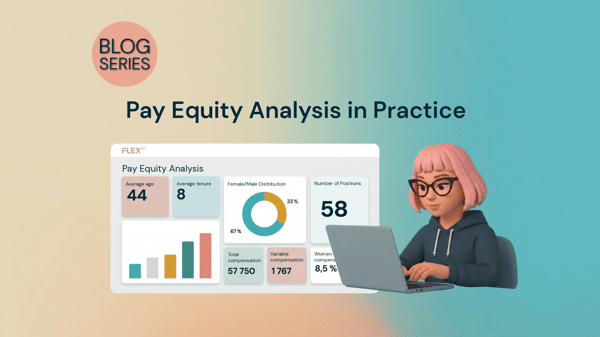
Have new employees joined, or has someone changed roles in the middle of your pay equity review? No problem. Now you can keep your analysis up to date with a single click, without having to start from scratch.
We want you to be able to focus on strategic HR work instead of spending time on manual administration. In a changing organization, salaries, positions, and new hires can be added at any time. Now, you no longer need to worry about your analysis becoming outdated.
How it works
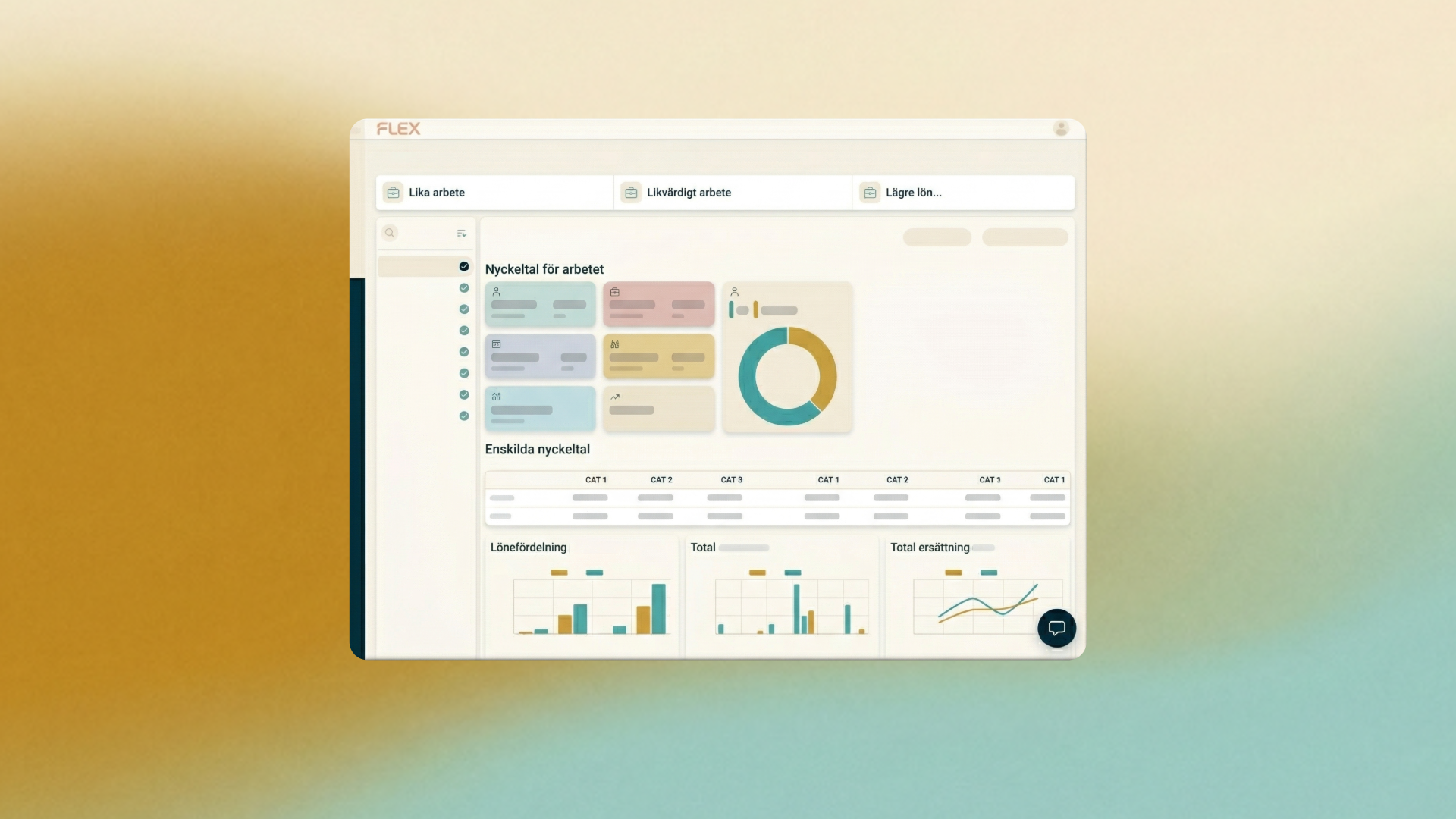
When working in your pay equity navigator, you can now select the Edit option. The system then automatically identifies if anything has changed in Flex HRM since you created the review – for example, if an employee has received a new salary, a change in their extent of employment, or if a brand-new colleague has started.
- Fetch latest data: With one click, your ongoing analysis is updated with the latest information from the employee register and the job architecture.
- Full control: You can personally review and approve which new employees to include or whether updated job profiles should be refreshed.
- Seamless flow: Since everything is gathered in one place, you never have to download or move data manually. If you make a change to an employee, you are immediately notified in the pay equity review and can update to the latest version.