We know that pay equity analysis requires great precision and that keeping track of all the details over time can be a challenge. To support you as an HR Manager or the person responsible for the pay equity analysis, we are now launching a highly anticipated feature in Flex HRM. You can now register and follow up on actions linked to unexplained pay gaps directly in the system. This helps you meet legal requirements for an action plan and ensures that nothing falls through the cracks.
Action list - everything in one place
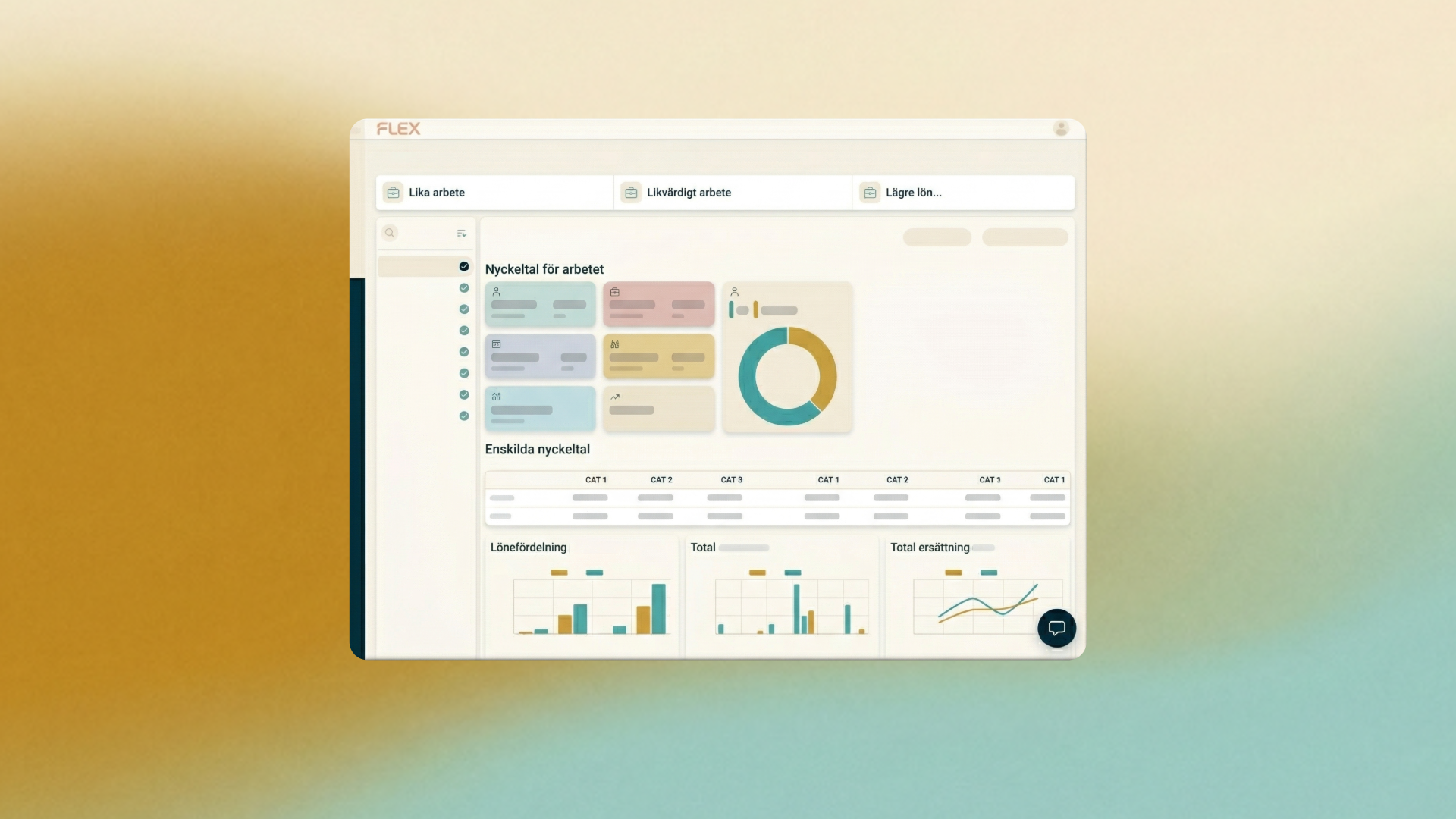
When working on your pay equity analysis and identifying employees who require a pay action, these are now automatically gathered in a brand-new action list. This list is displayed directly on the overview page of the pay equity analysis. You no longer need to track this information manually or in separate documents – Flex HRM handles it for you, and the list is always available and continuously updated.
When the pay equity analysis is completed, you will in the future also get a consolidated overview in the module Pay Equity Compass of all remaining actions. This feature is currently under development, but once it arrives in the system, it will gather all remaining actions in one single place – regardless of whether they originate from the latest analysis or a previous one. In other words, you will not have to open each individual analysis to check what is left to do. Everything will be gathered in one single view, where you can easily check off actions directly as they are completed. This will ensure an even smoother follow-up process, giving you peace of mind that identified unexplained pay gaps are addressed within the legally required three years.
How to mark actions in the system
You can manage action flags at two different levels in the system: for individual employees or for an entire job.
Action marking at individual level (Employee)
In the notes view for an employee, there is now a separate heading called Mark for action. Under this heading you can choose between two fixed tags:
- Unjustified pay gap: Used for those individuals where the pay gap cannot be objectively justified.
- Belonging to the wrong job: Used for those individuals who, during the analysis, turn out to be incorrectly classified in the job catalog.
Please note that you can only select a tag under the heading Mark for action. However, if you are working under the heading Reason for objective pay difference, you have the possibility to select several tags at the same time. If you happen to select the wrong one, you can easily deselect the tag and the status will revert to the default.
Action tagging at the work level
If your analysis reveals systematic errors or if there is a need for a broader adjustment, you can also mark an entire job for action. As at individual level, you can uncheck the tag at any time to reverse the change and the status will revert to default.
How does the link to the action list work?
All individuals and jobs that receive an action tag will automatically be included in the action list on the current overview.
If you choose to uncheck an action on a job or on an employee inside the salary survey, the corresponding row is removed from the action list. As unchecking means that the row disappears, the system always displays a warning box (pop-up) asking you to confirm the selection before implementing the change. This is done to ensure that no data is deleted by mistake.
Do you have any questions about the new action list or do you want tips on how to get started with your salary mapping in Flex HRM? We are happy to help you get the most out of your system.