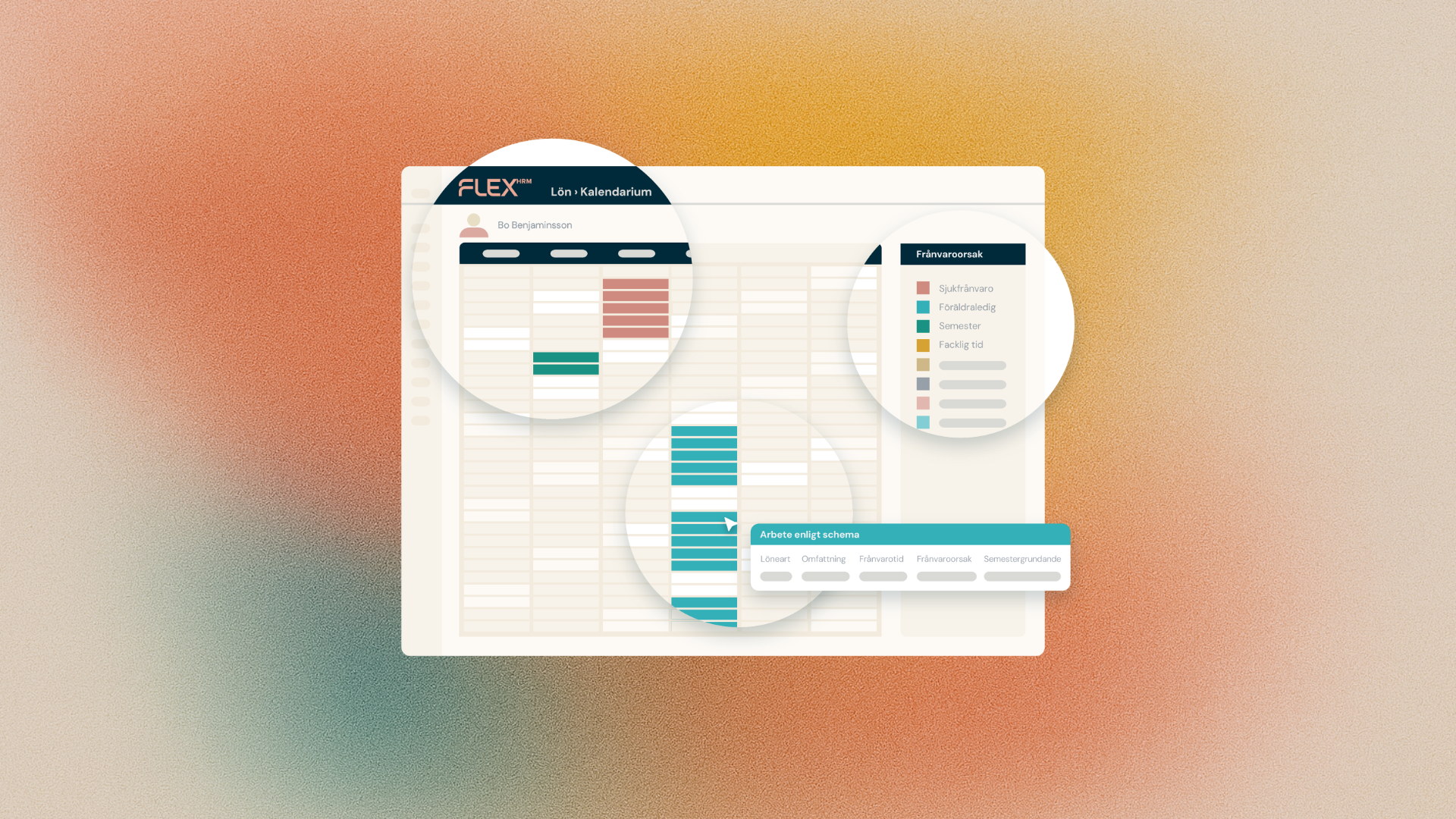
Moving data from an old system to a new one can be a challenge, especially when it comes to complex rules around leave entitlement. We've listened to you and are now launching two new features that make importing children and parental leave much smoother - and ensure that holiday calculations are correct from day one.
New import template: Employees - Child register
As an implementation consultant or payroll specialist, you want to avoid manual input. That's why we've developed a new import template, Employees - Child Register, which allows you to import all the necessary information via file.
You can now easily load:
- Employee number (to which the child belongs)
- Child's name and identification number (e.g. date of birth)
- Opening balance and its date
- Parental leave up to date (FK)
The import is smart - it can both add new children and update existing records based on the identification number.
Link historical absences to the right child
To make full use of the history when importing history transactions, we have now added the possibility to import ChildID for parental leave. This means that you have every opportunity to get the basis for a correct holiday year change without having to manually apply.
Why is this important? According to the rules, the first 120 days of parental leave per child qualify for annual leave, while the remaining days do not. By linking the history to the child, Flex HRM Payroll can now:
- Automatically keep track of the 120-day rule, even for historical data.
- Give you an accurate vacation calculation instantly, without manual intervention.
- Validate the import - the system will warn you if you try to import absences for a Child ID that is not in the register.
These updates give you a more secure start and less administrative work.