Want to know whether a colleague has made it to work yet, is at lunch or has the day off? Soon you'll be able to see this directly in an attendance schedule in our new mobile app, without having to send a message or search around the office.
A complete picture of who is at work
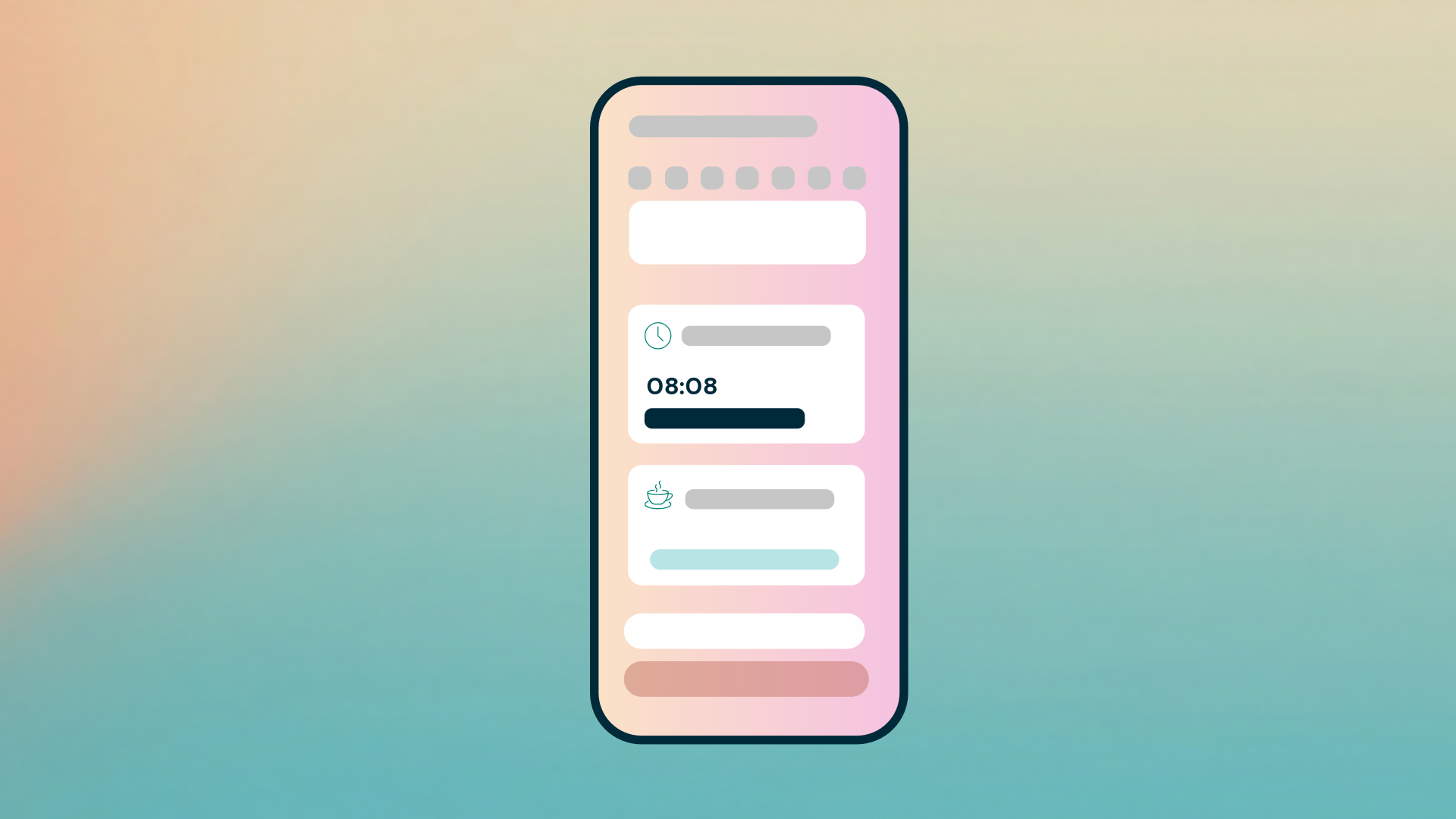
The attendance schedule in the new mobile app will show the status of your colleagues, for example who is working, who is at lunch and who has the day off. You get a quick overview of who is available right now, so you know who you can turn to, wherever you are.
Favorites for the colleagues you look for most often
You'll be able to mark colleagues as favorites. That way, you can quickly find the people you work with most often, instead of searching for them in the full list.
Get notified when a colleague clocks in
Waiting for a colleague to arrive at work? You'll be able to choose to get a notification in the new mobile app when someone who hasn't arrived yet clocks in. You don't need to check their status over and over again. Instead, you'll be notified as soon as the person is at work.
What this means for you
You can keep track of who is at work and available, directly on your phone, with fewer questions and less searching. This makes it easier to plan your day, book a quick meeting or know when you can count on help from a colleague.