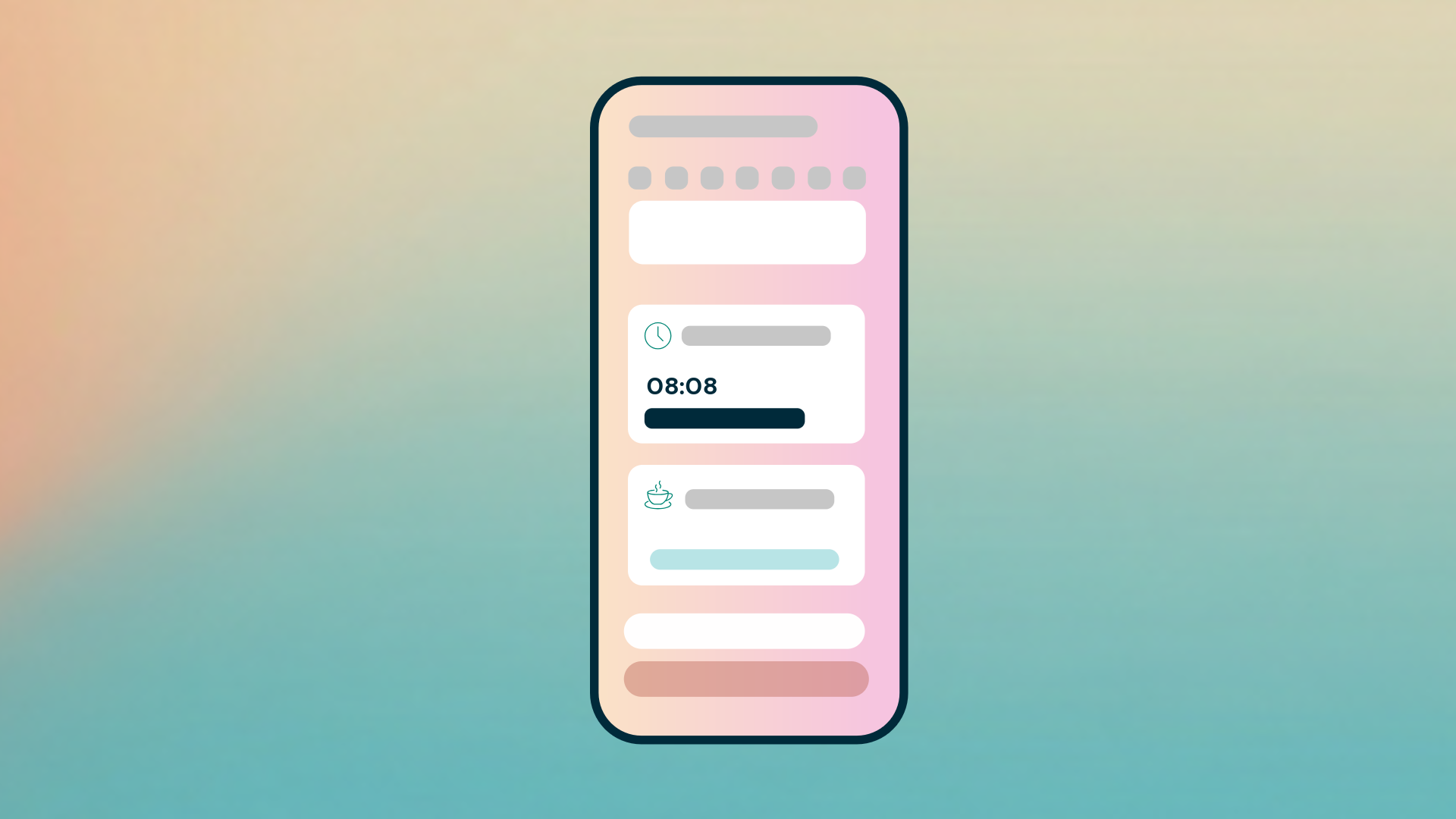
The home screen in the new mobile app has a new design. You can always see whether you have something to do, and you choose which shortcuts appear at the top. This helps you get to what you want to do faster.
Your status is still at the top
If you clock in and out in the app, you will still see Your status at the top of the home screen, together with the button for clocking in or out.
To do is always shown on the home screen
The To do card is now always shown on the home screen, even when you have no tasks. This means you can see at a glance whether anything is waiting for you. The number of tasks is shown in brackets, for example To do (1). Each task shows what needs to be done and when it must be done by, for example Time report to submit with a deadline. Tap the task to go straight to the right place.
Shortcuts you choose yourself
Under Short cuts, you see your favourite shortcuts as tiles. Which shortcuts are available depends on the modules your organisation has. A new shortcut is Register today’s time. Tap Show all to see all the shortcuts you have access to.
How to change your shortcuts
- Tap Show all under Short cuts.
- Tap Change short cuts.
- Drag and drop the shortcuts into the order you want. The shortcuts under Favorites are shown on the home screen, and you will find Other short cuts under Show all.
- Tap Save changes.
Reach Flexie from the field at the bottom
At the bottom of the home screen, you will find the field Say what you want to do. Type your message to Flexie there, or tap the microphone and tell her what you need help with. You will now find your profile under My profile in the menu at the bottom, alongside Home, Calendar and Expenses.
Faster access to what matters to you
With the new home screen, you can see what you need to do and reach the things you use most with a single tap. This update applies to the new mobile app and is available now.