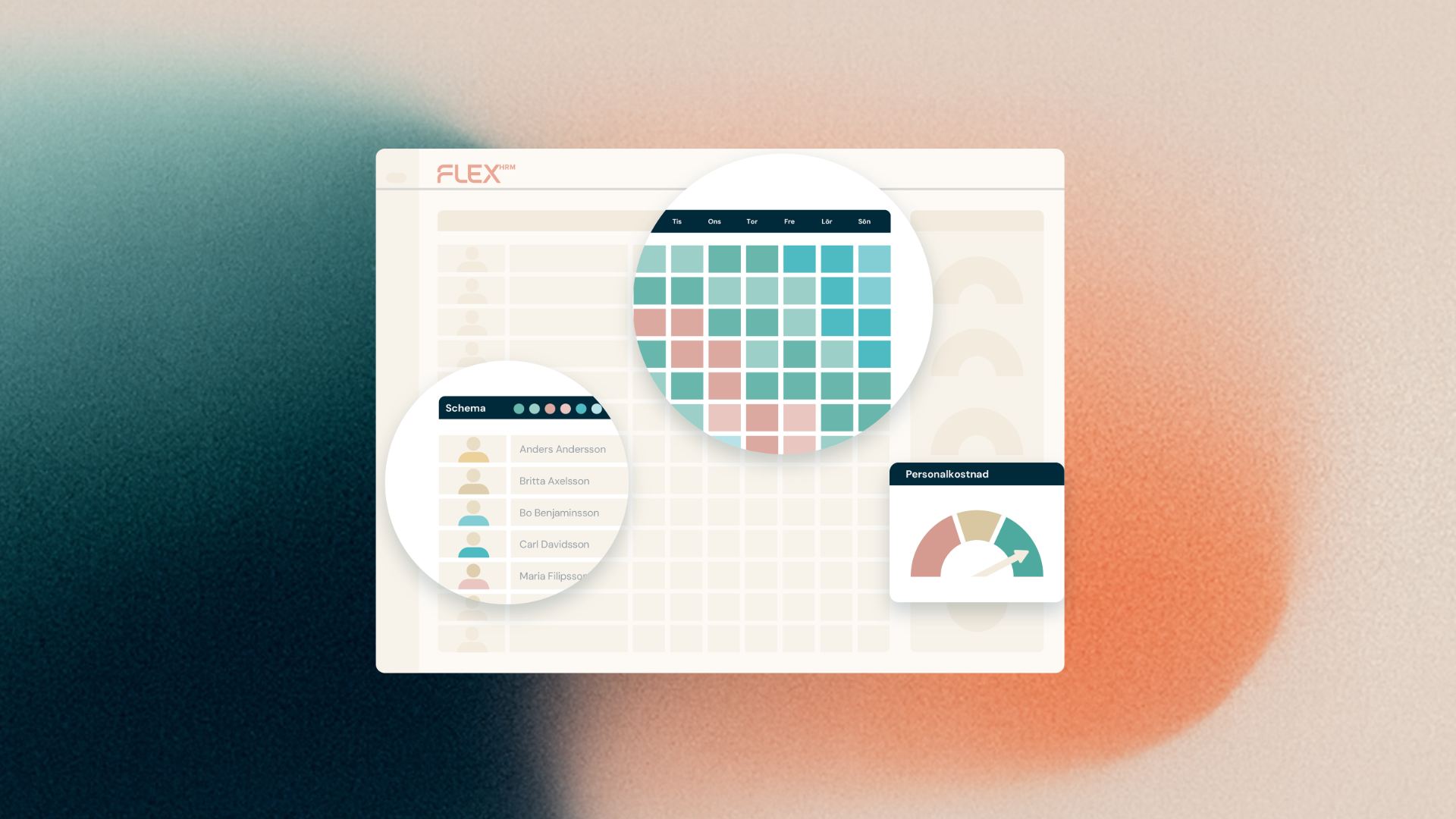
We've made the schedule view in Flex HRM Plan clearer, more focused, and faster – so you can quickly find what's actually relevant right now.
What has changed?
Previously, available work shifts were shown for all days in the schedule view, regardless of whether they were in the past or the future. Now, available work shifts are shown from yesterday's date by default. Historical available shifts – that is, shifts older than yesterday – are hidden until you choose to show them.
Faster loading
Since fewer shifts need to be loaded by default, the schedule view now loads faster. This is especially noticeable if you work with schedules that span a long period of time or contain many shifts.
Want to view older historical available shifts anyway?
It's easy to bring them up. In the schedule view, there is a clickable text on the relevant days – click it and the shifts are loaded and displayed immediately. This makes it possible, for example, to make a retrospective change if something was missed.
Why did we make this change?
The schedule view is used daily by those of you who work with scheduling, and every second counts. By filtering out information that is rarely needed, you get a cleaner view where what is current is more clearly visible – and you can spend your time on the right things.