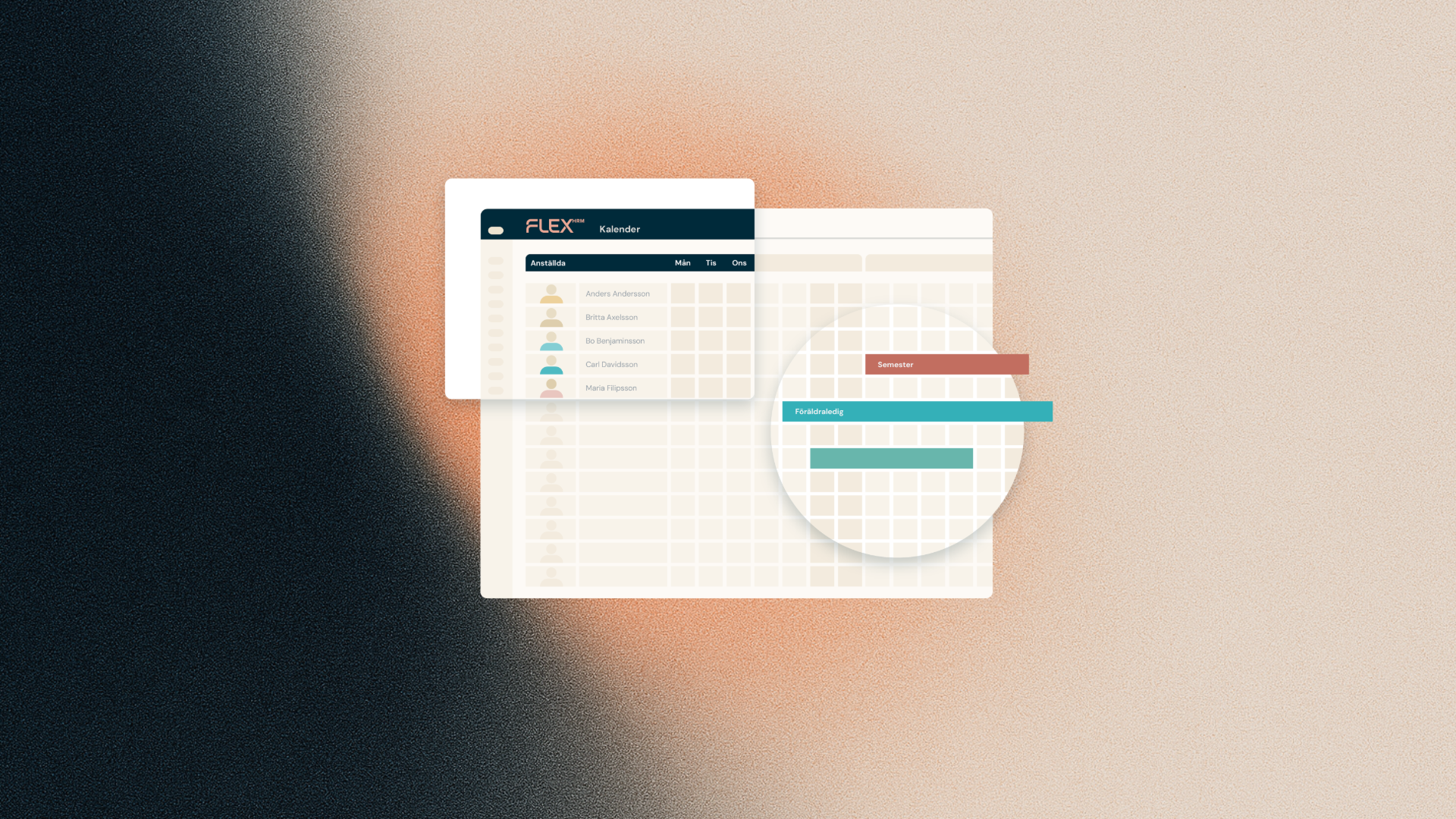
The report generator in Flex HRM has a new field in the Absence data source – making it easier than ever to follow up on absence in a meaningful way.
Total schedule time directly in the report
The new field is called Total schedule time in the period and shows the employee's total schedule time for the entire selected date interval – not just the days on which absence has been registered. This means you now have all the information you need gathered in one place, without having to retrieve supplementary data from other sources.
Calculate absence percentage without extra effort
For HR managers and supervisors who monitor sick leave, this is a direct time-saver. With both time absent and total schedule time in the same report, you can easily calculate the absence percentage for individual employees or groups – information that previously required manual calculations or additional data sources.
Please note
The report only includes employees who have at least one registered absence during the selected period. Employees with no absence will not appear in the report at all, regardless of whether they have schedule time in the period.