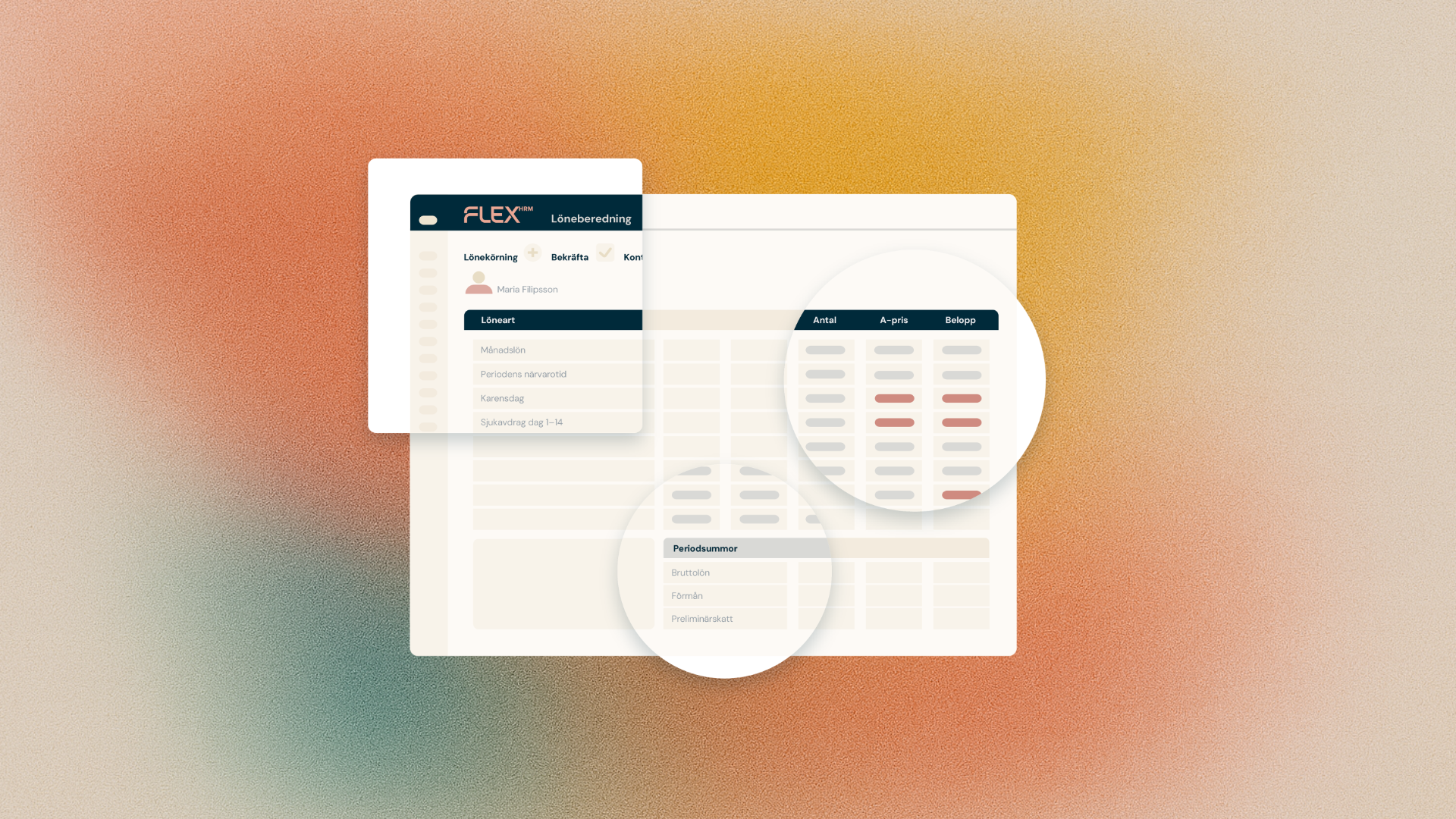
It's now easier to ensure that time codes are transferred correctly to payroll. In HRM Time, we've added a new view in Time Codes that brings together all the settings that control transfer to payroll, for all time codes and time groups, in one place.
No more clicking through each time code
Previously, you had to open one time code at a time to view and change its settings for transfer to payroll. If you wanted an overview of all time codes, or wanted to make sure nothing had been missed, you had to click through them one by one.
With the new view "Transfer to payroll - overview", found in the menu in Time Codes, you instead see all time codes in all time groups gathered in a single list, together with all the settings that affect how they're transferred to payroll.
Two things get easier
The new view gives you two major benefits:
- Faster settings. You can make changes directly in the list, without having to open each time code individually.
- Better overview. Since everything is shown together, it's easier to spot if a setting for a time code has been missed.
Where do you find the new view?
In HRM web, click "Transfer to payroll - overview" in the menu in Time Codes. The settings that were previously found on each individual time code are still there as before, but you now also have the option to view and change them directly in the combined overview.
The feature is primarily intended for those who administer the system or carry out implementations for customers, and who regularly need to make sure the settings for transfer to payroll are correct.


