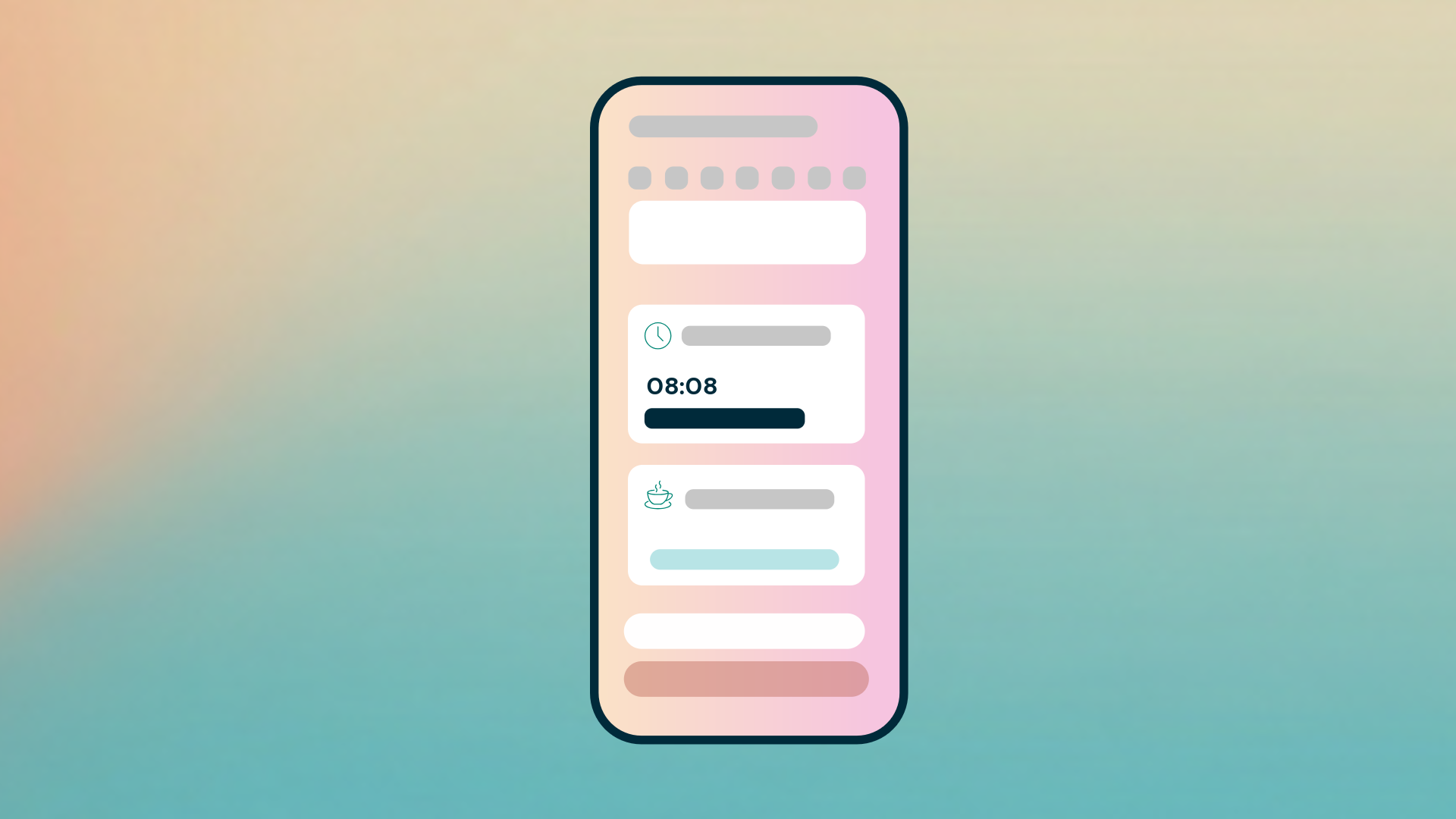
In the day view in our new app, you can now see your balances for the day you are viewing. Three selected balances are shown at the bottom of the day view, and you can easily expand the card to see all your balances for the day. You can keep track of your balances in the same place where you already have your day in front of you.
Three selected balances at the bottom of the day view
At the bottom of the day view there is a card with your balances. There, the app shows three balances that it selects for you, based on which ones are likely to be most relevant to you. This means you see what matters most right away, without having to look for it.
Expand the card and see all balances
If you want to see more balances, tap the arrow on the card. The card then expands and shows all your balances for the day.
The balances follow the day you are viewing
The balances always apply to the day shown in the day view. When you switch to another day, the balances are updated so that you can see the situation for that particular day.
For administrators
There are no new settings to configure. Which balances are shown in the app is controlled by the same settings as for the web version.
A better overview in your everyday work
With your balances in the day view, you have both your day and your balances in one place. This makes it easier to plan, for example if you are thinking about leaving early one day or taking time off, and you don’t need to log in to the web version to see where you stand.
The feature is available in our new app starting today. Open the day view and see your balances at the bottom.