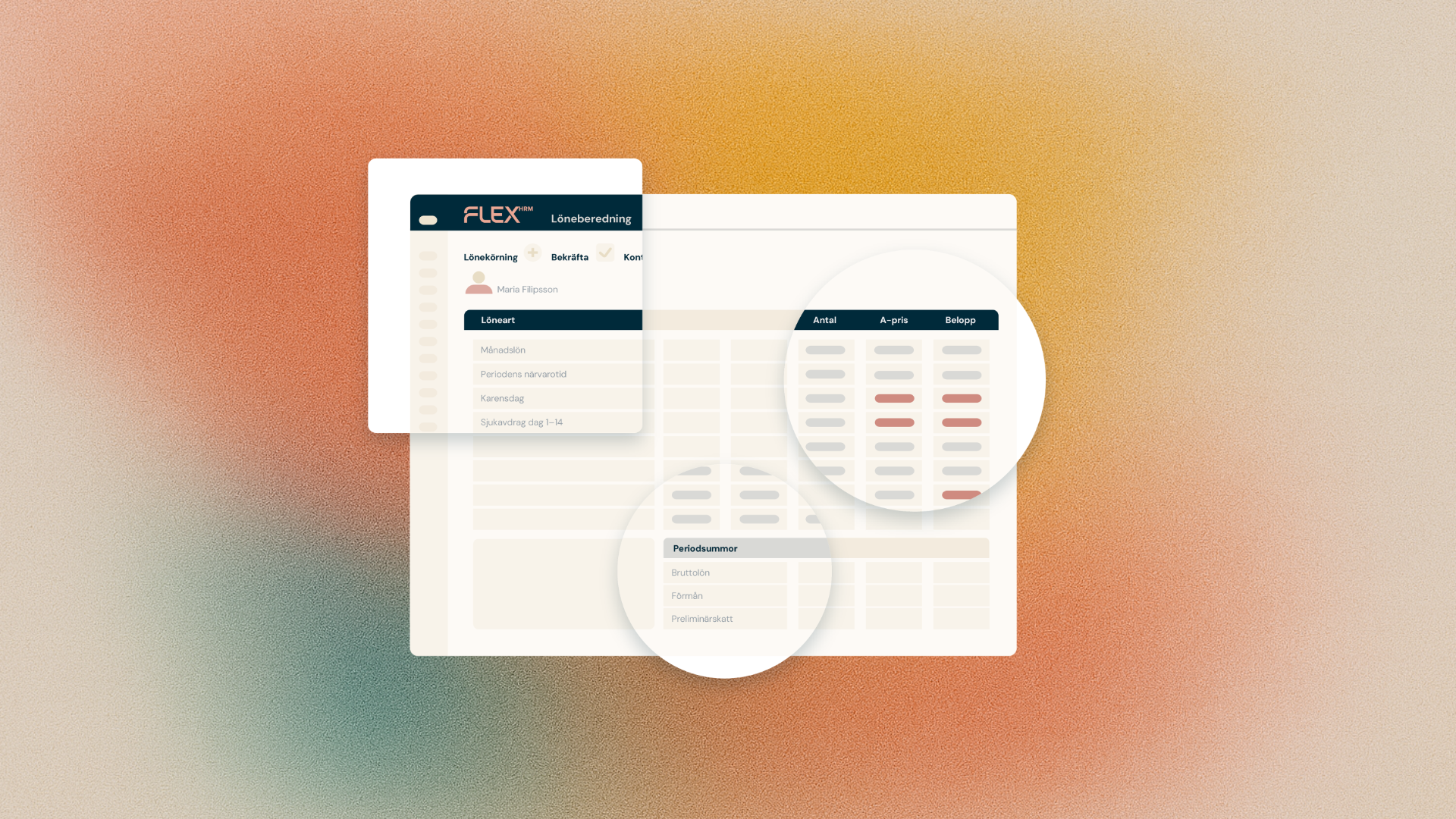
Have you ever wondered how a payroll amount is actually calculated? Now there's a new feature in Flex HRM Payroll that gives you the answer right in the payroll preparation.
Full transparency on every payroll
As a payroll specialist, you need to be able to trust the figures you pay out, and be able to explain them when questions arise. That's why we're now adding the ability to see the calculation behind each payroll transaction directly in payroll preparation.
On each payroll row, you will find a new icon. When you click on it, a detailed view opens where you see:
- Which inputs were used, for example monthly salary and weekly working hours.
- Which formula was applied.
- The result calculated, i.e. quantity, price and amount.
You get the whole chain from basic data to the final sum, gathered in one place.
Faster troubleshooting and more confident answers
This feature is for those who want to understand the system in depth, and for those who sometimes need to troubleshoot or explain a calculation to a manager or employee. Instead of going between multiple views and doing the math yourself, you get the answer right on the line.
This means less time spent on detective work, and more time on what really requires your expertise.
We hope that this new feature will give you both the transparency and the confidence you need in your daily work.


