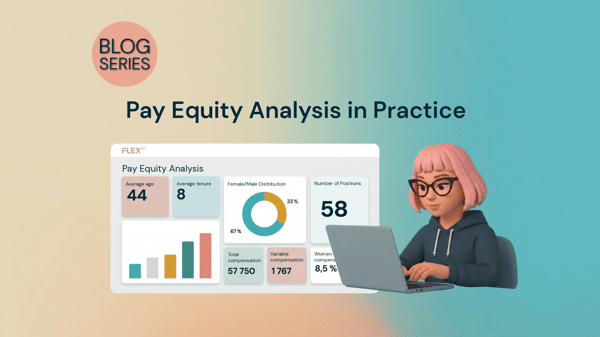
We’re now taking the next big step and launching the feature that lets you complete your pay equity analysis. With this update, we’re bringing the entire process full circle. You can now manage the entire workflow from start to finish directly in the system—from the initial analysis to finalized actions and secure, locked archiving.
In connection with this, we’ve also removed the “Beta” label from the Pay Equity Compass. It is now considered a standard module in Flex HRM, just like our other modules. Of course, development doesn’t stop there—we’ll continue to continuously develop and improve the module to provide you with the best possible support for your strategic HR work.
Secure Locking and Full Traceability
Once you’ve completed this year’s analysis, you can now lock it to freeze all data for future audits. Simply click the “Complete analysis” button. If you happen to have missed any important information required for documentation, there’s no need to worry; the system will guide you and let you know what’s missing before you can proceed.
Once the analysis is complete, all fields are locked for editing so that no information is changed by mistake. The only remaining option is to delete, should it be necessary. The list of your previous pay equity analyses is updated at the same time so that you always have a clear history and full traceability.
Your actions are displayed on the home page
Structured work requires organization and order. That’s why the system now automatically forwards the actions you’ve identified in your analysis.
Once you click “Complete analysis,” all your identified actions will appear on the home page under the “Pay equity navigator” menu item. This makes it easy to keep track of your day-to-day work, and you can conveniently check off actions as they are completed.