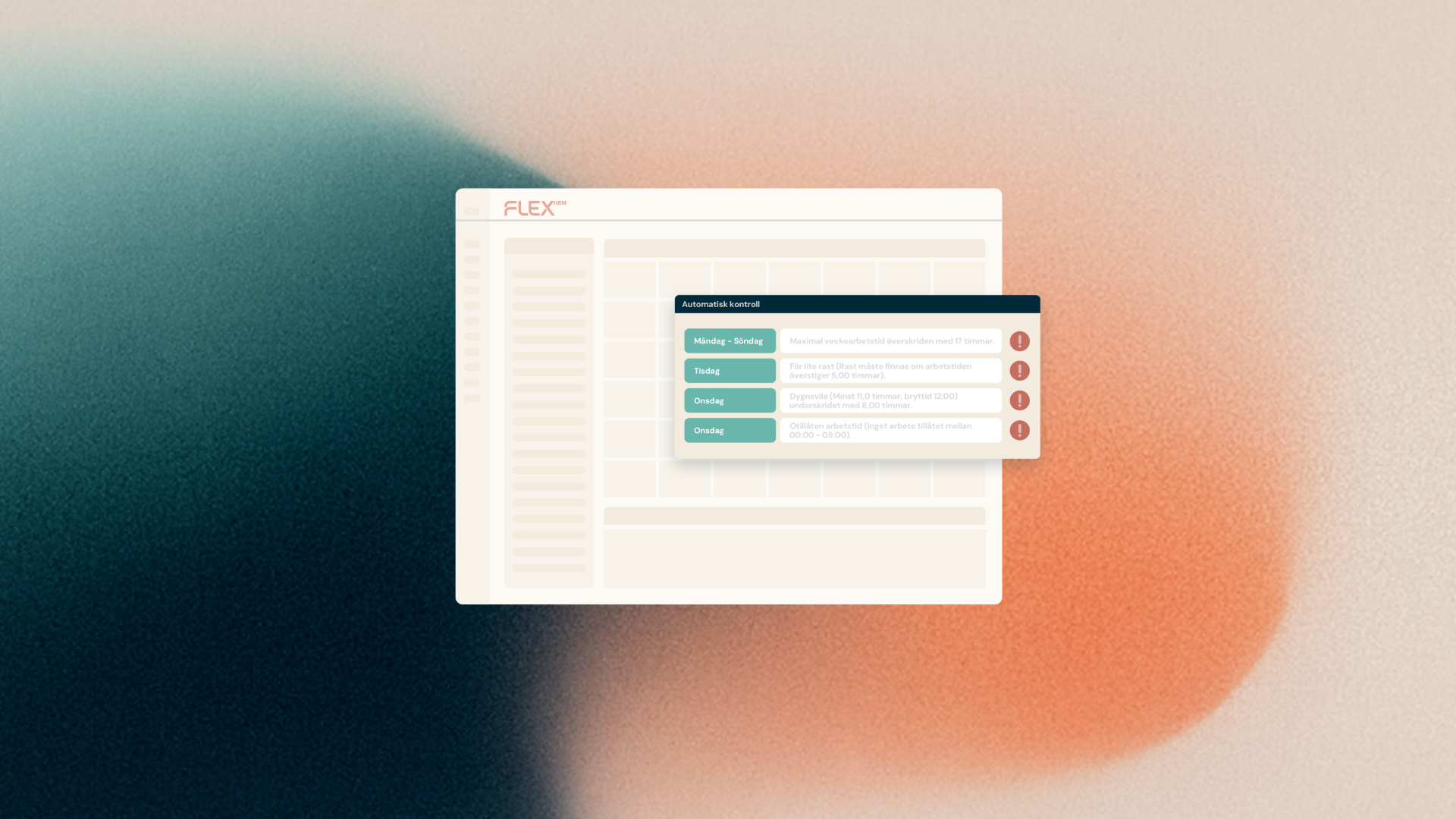
We've listened to your feedback and redesigned the SmartDetect view in Payroll. Now it's easier than ever to distinguish between critical anomalies that require immediate action and the insights identified by our AI feature.
Having full confidence in the controls of your Payroll system is crucial for effective payroll processing. In the past, it has sometimes been difficult to navigate the SmartDetect panel as important alerts have been mixed with more general insights. That's why we're introducing a brand new structure to help you focus on the right things at the right time.
Two clear tabs for a better overview
SmartDetect is now divided into two main tabs in the fold-out panel of the payroll preparation:
- Checks: Here you'll find all the rule-based checks where the system knows 100% that something stands out, such as a negative net pay. These are calculated checks that you can fix directly in payroll preparation.
- Potential Errors: This tab collects the anomalies that SmartDetect's AI feature has found. These are insights based on pattern analysis that help you spot "maybe errors" that are otherwise easy to miss.
Full control over every control
In the new list view for rule-based checks, you now see exactly what the system is checking. Each check shows a clear status:
- Green checkbox: no errors found.
- Yellow warning triangle: Errors have been identified that need to be reviewed.
You can also see directly how many employees are affected by each non-conformity. For checks with warnings, you can precipitate a detailed list showing which employees are concerned as well as specific pay type and line if applicable.
Take action with one click
Our goal is to save you time. That's why you can now click on an employee directly in the SmartDetect list to open them in payroll. Once you have fixed the error, a new calculation is automatically triggered and the panel is updated as soon as the calculations are complete.
At the top of the panel you will also see a summary, for example "2 out of 12 checks have warnings", so you can quickly get a picture of the state of your payroll run.