We know that time is one of your most valuable resources. That's why we're rolling out a new automation in Payroll that removes one of the manual steps in the payroll process: creating the debt calculations.
What's new?
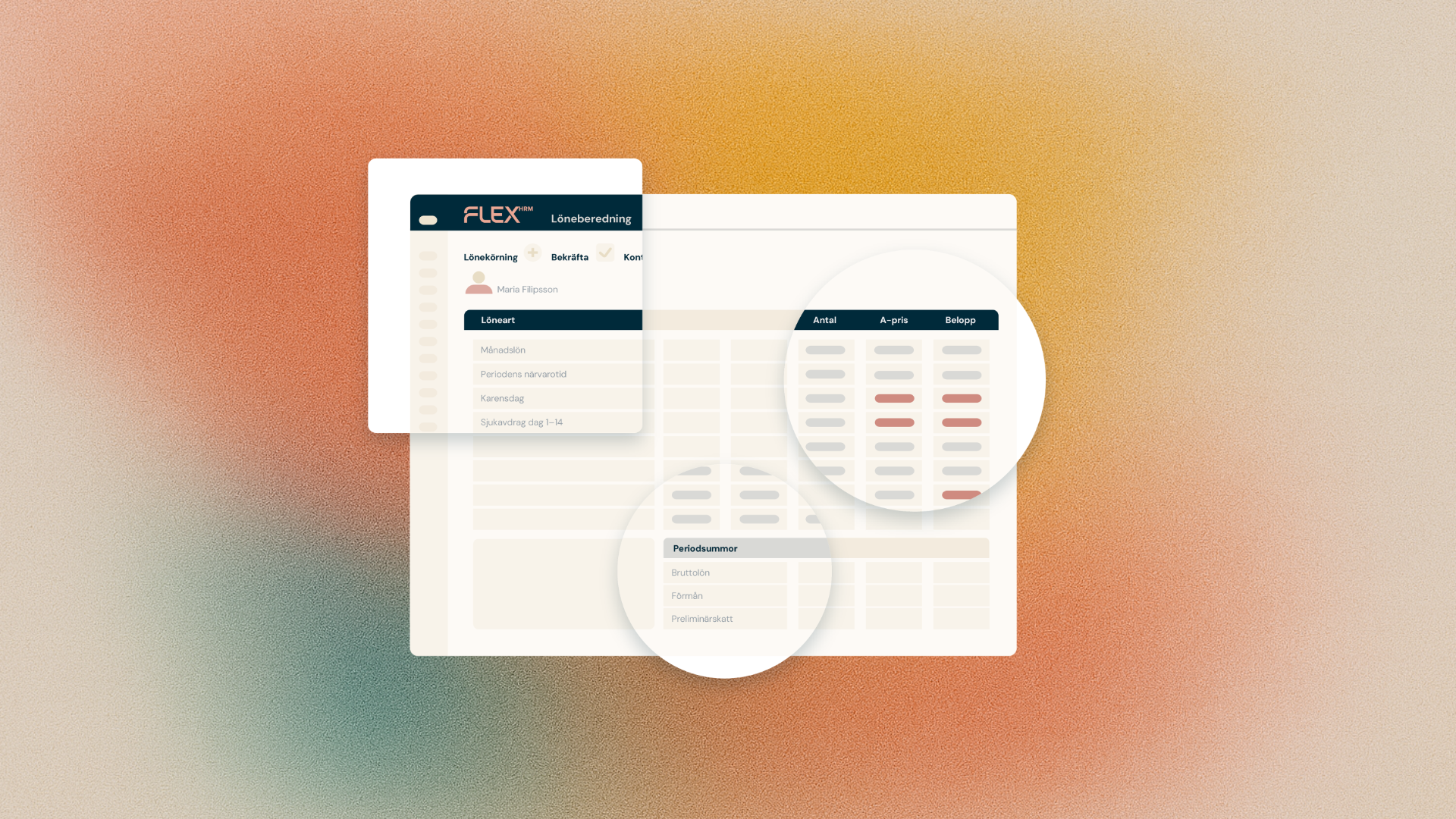
When you settle a payroll run, payables are automatically created for all employees. This applies to debts such as vacation debt, comp debt and ATK/ATF debt. You no longer have to go in and create each calculation manually - Flex takes care of it for you immediately after settlement.
For those who already work this way today, it means fewer clicks, less administration and more time for what actually requires your expertise.
How to activate the automation
We have gathered the function in a brand new tab called Automation. You can find it under Settings - Payroll - Payroll runs.
There you activate the setting Create debts automatically. Once it's turned on, the system takes care of the rest - every time you settle a payroll run, it calculates and creates the liabilities for your employees.
Your manual processing is never overwritten
Have you already created a debt calculation manually? Then the automatic system will skip that particular type of debt and leave your work standing. Other debts are created as usual. So you stay in control, even when you let Flex do the heavy lifting. The automatically created debts can, of course, be completed as usual if you discover something wrong.
Another step towards touchless payroll
This feature is another step towards our bigger goal: a payroll that is as automated as possible - what we call touchless payroll. The next step we're looking at is for the accounting records to be created automatically too.
The new Automation tab will also be filled with more choices in the future, so you can gradually release more manual steps.
What is in this first version?
Automation is currently triggered at the time of payroll run settlement. If you create your debts at other times than that, the function is not right for you right now - but we are working on it to suit more working methods in the long run.
Getting started
The feature is being rolled out gradually to all customers. Once it's in place, just go to the new Automation tab and turn on the setting. Then let Flex take care of the rest for your next payroll run.
We look forward to hearing how it works for you - and what you want us to automate next.