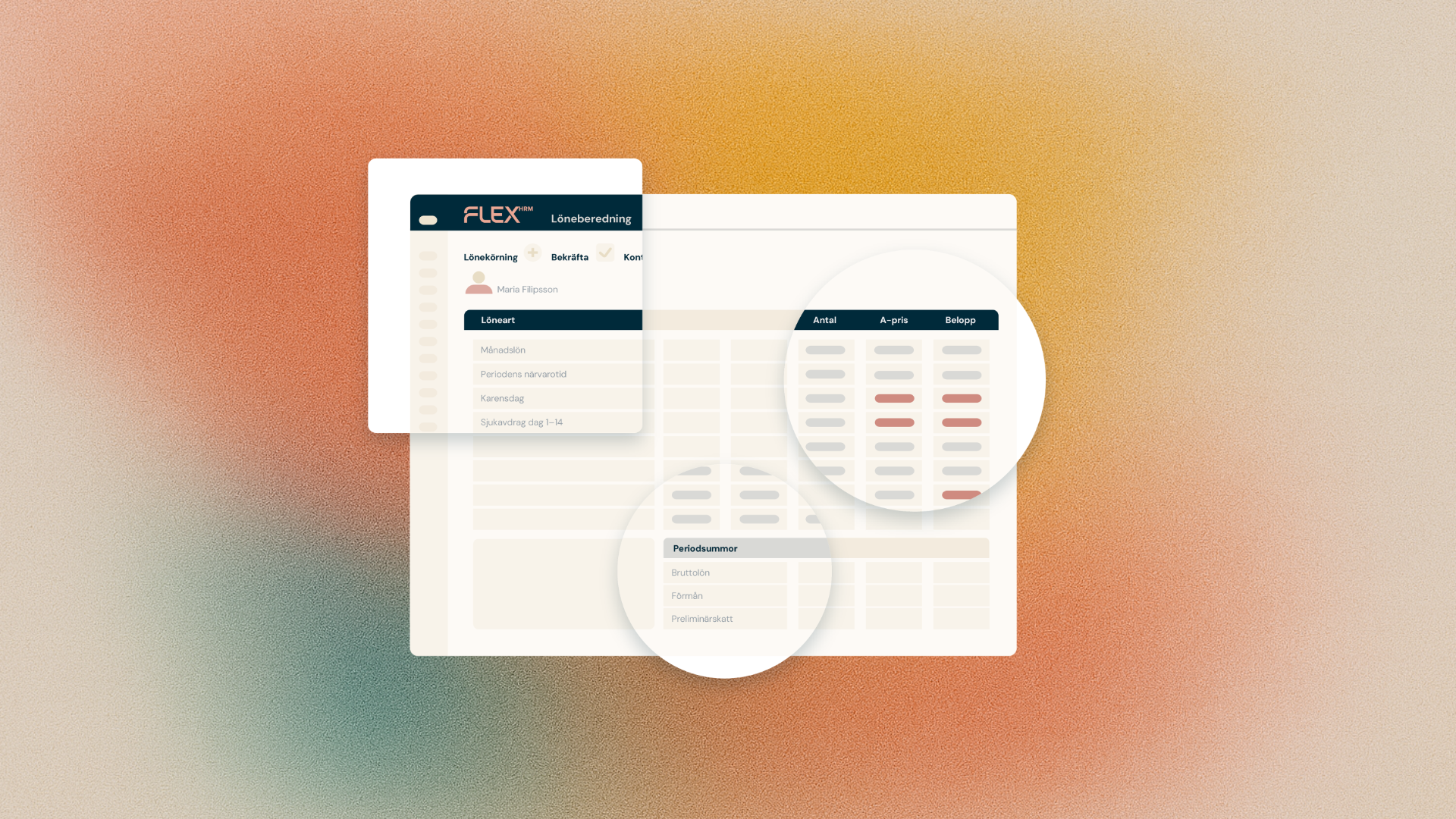
We are now making the work with report packages in Flex HRM Payroll even smoother. We know that the manual process of identifying specific accounting documents for each month has been an annoyance. That's why we're launching a smart feature that lets you automate this using dynamic date rules.
Avoid manual adjustments
In the past, you've had to manually update the selection in your report packages to ensure that the Accounting Orders report retrieves the correct data. With the new update, you can instead select the By Date Ruleoption in the Accounting Basis Selection dropdown menu.
This means that the system will automatically retrieve all documents that match the rules you set up, allowing you to "set and forget".
Flexible rules for your needs
When you choose to control the selection with date rules, you get access to several new setting options to pinpoint exactly the right accounting dates:
- Selection by month:
Decide whether the report should retrieve data for the Current or Previous month. - When in month:
Specify which day should control the selection. You can select:- Last payment date.
- Last in the month
- First of the month
- Exact date (where you specify the day number yourself)
By using, for example, Last payment date in combination with Current month, you ensure that the report package always picks up the latest payroll period's accounting automatically. One less setting to think about in everyday life!