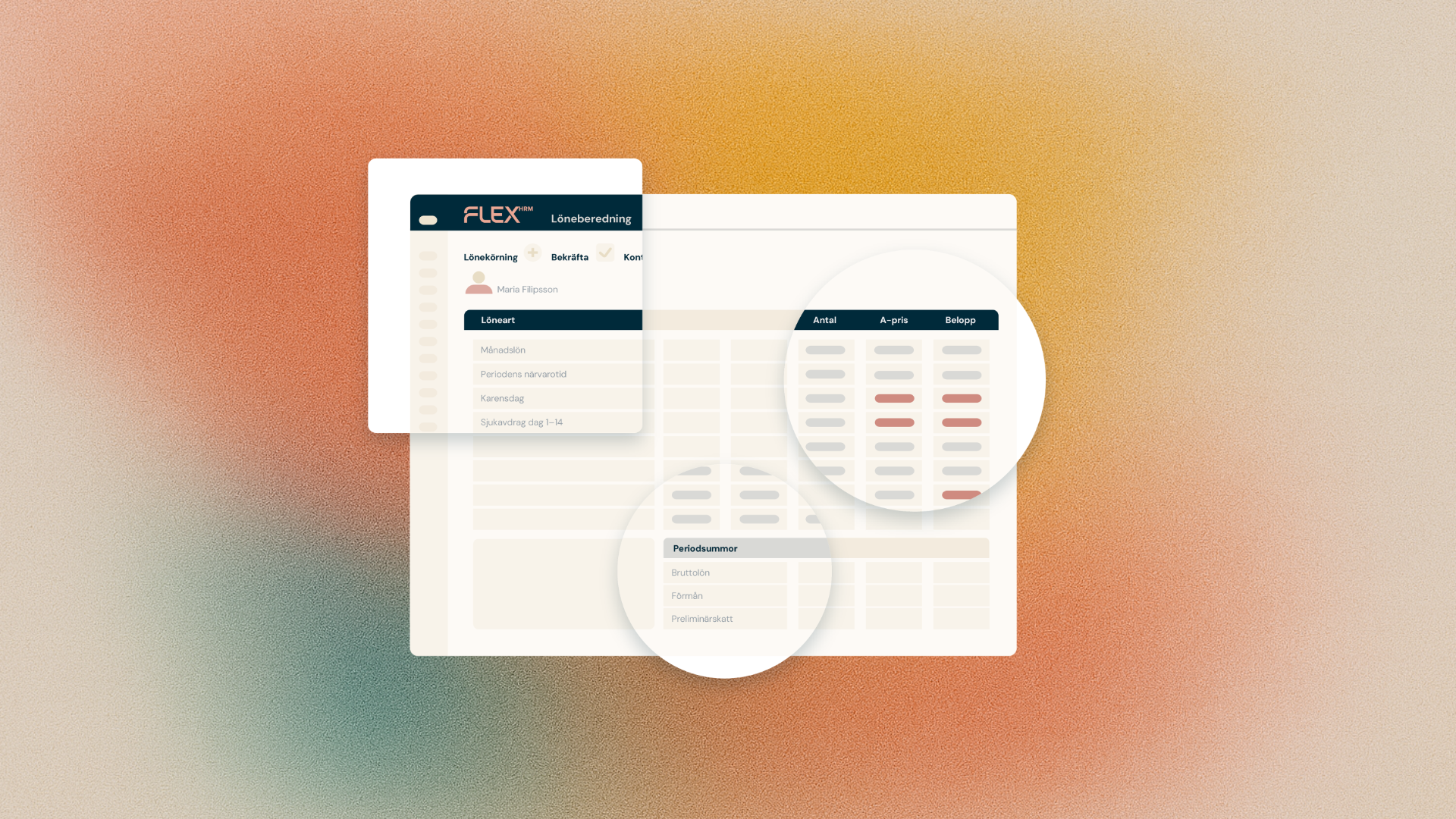
In the vacation debt view, you've already been able to click through to details showing exactly how a value was calculated, including which holiday formula was used and all related calculation steps. Now we're taking this feature one step further.
In the latest Flex HRM update, you can choose to include all calculation steps directly in the PDF export. This gives you a ready-made, complete basis in document form that's easy to share – perfect when auditors, managers or your end customers ask for a clear account of the vacation debt.
How to export the calculation steps
You can export the calculation to PDF in just a few clicks:
- Go to the debt management view in the system.
- Click the Export button and select To PDF.
- In the pop-up that appears, select the new View calculation checkbox.
- Create your PDF. The file now contains all calculation steps and formulas.
Retrieve the information via the report generator
Would you rather build a custom report? The same detailed information is also available in the report generator. Select the vacation debt data source and add the calculation field to your report.