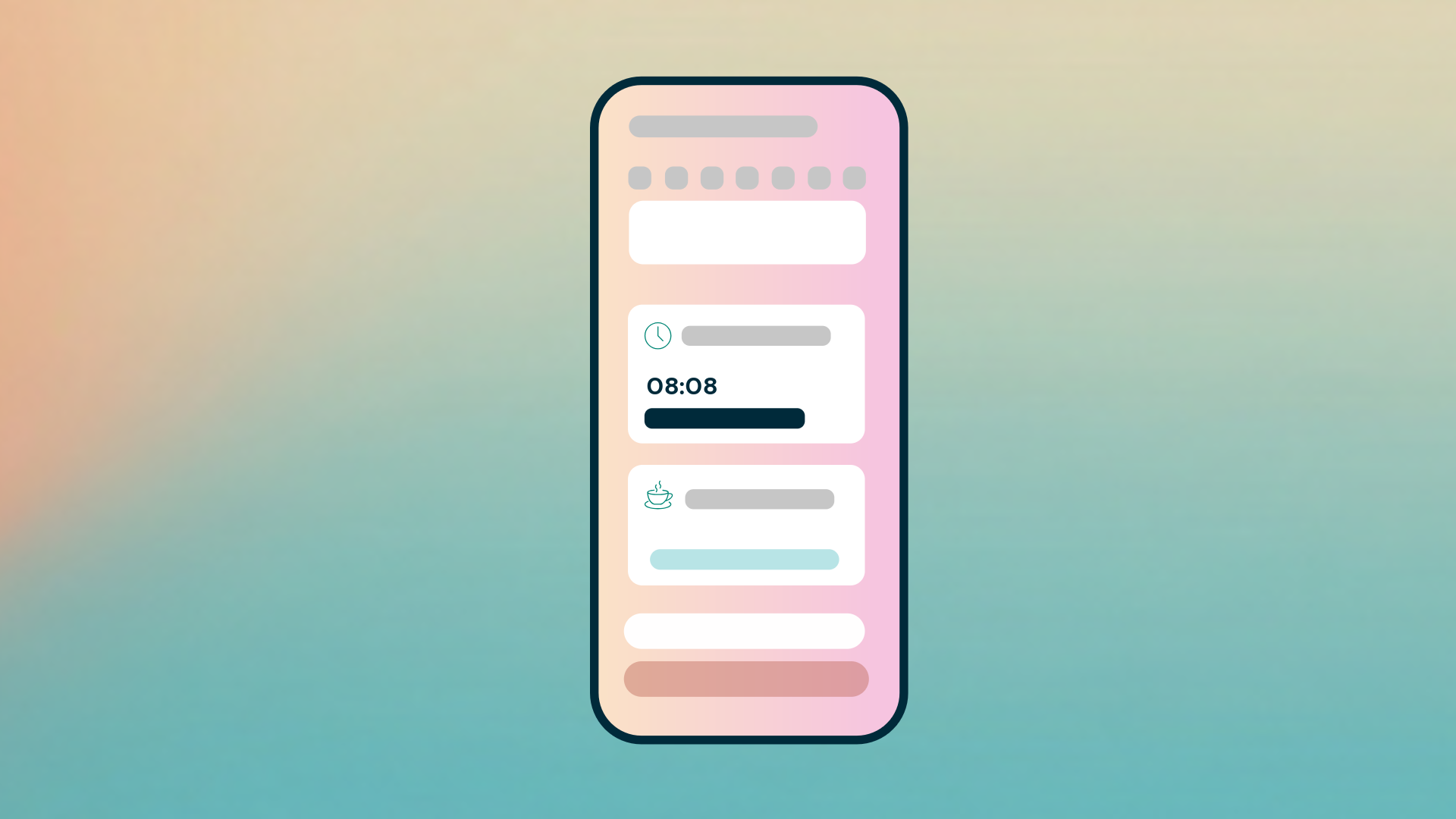
As an employee, you can now choose a different attendance time code when you report time in the new mobile app. This means your attendance is recorded based on what you actually did, for example working from home, training or wellness activities. You no longer need to go via the web to get it right, and your balances, follow-up and pay are correct from the start.
The right time code for what you actually did
Many organisations use several attendance time codes to distinguish between different types of attendance. When you report time in the new app, an attendance time code is proposed automatically, just as before. It suits most days, but not all. One day you might work from home, another day you might attend a training course. Now you can switch to the time code that fits, in the same way you already can on the web and in the old app.
How to change the time code
When you register attendance in the Day view, the proposed attendance time code is preselected. If you want to use a different time code, change it in the Details card. You see the attendance time codes you have authorisation for and choose the one that fits.
When you save, the selected time code is clearly shown in the Day view, so you can easily see that it differs from the proposed one.
The choice applies to attendance time codes. You register absence, such as sickness or annual leave, as before via the absence card in the Day view.
Change the time code on an existing registration
If you have already registered attendance and want to correct the time code, open the registration and change the time code in the Details card. You can do this as long as the day is not locked. A day is locked if, for example, it is submitted, authorised or in a closed period. You can then see the time code, but you cannot change it.
Same rules as on the web
Which attendance time codes you can choose is controlled by the same authorisation and validity rules as on the web. As an administrator, you therefore do not need to set up anything new. What employees already have access to on the web is what they see in the app.
One step closer to a complete app
With this improvement, more employees can handle all their time reporting in the new app, without having to complete it on the web. The feature is available in HRM Time in the new mobile app today.